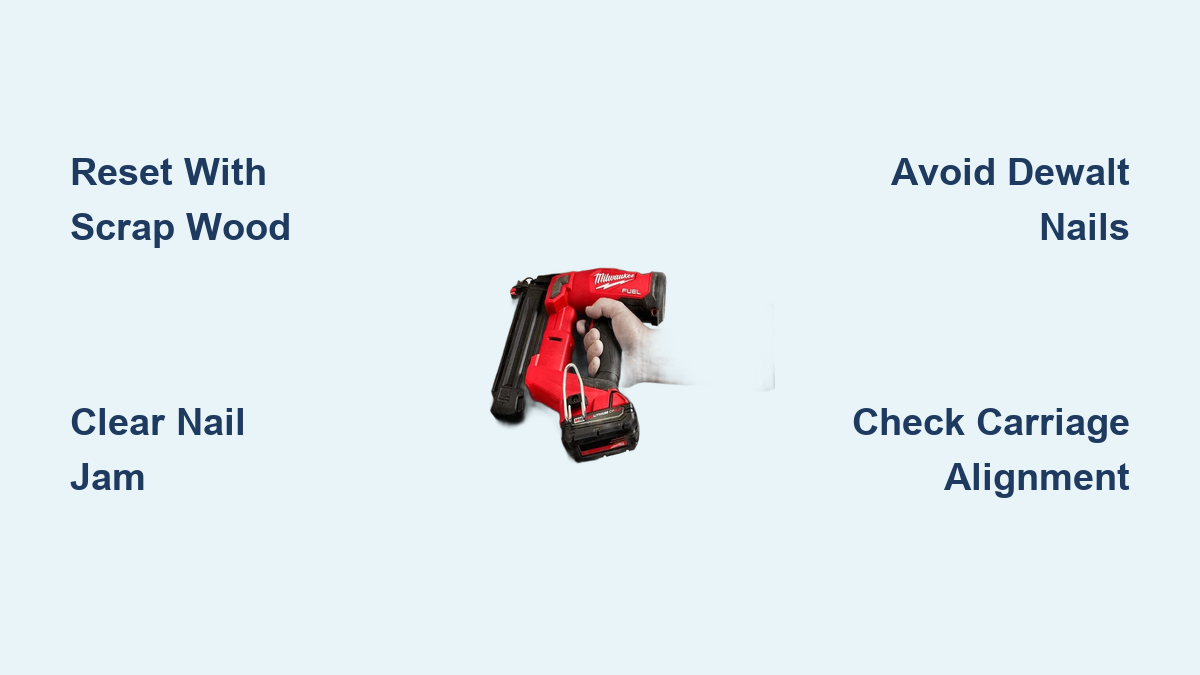
Fix Milwaukee Brad Nailer Striker Stuck
A stuck striker on your Milwaukee brad nailer can stop a project cold. The Milwaukee brad nailer striker stuck problem affects both the M18 FUEL Gen 2 and the Model 2746-20, but the fix depends entirely on which tool you own. Many users assume a broken mechanism when the real cause is often a reset logic error, incompatible nails, or forced operation. This guide walks you through model-specific solutions, jam clearing steps, and the maintenance habits that prevent future lockups.
You will learn how to safely reset the Gen 2 striker, release a seized 2746-20 driver, identify nail brands that cause problems, and recognize when professional service is the only safe option.
M18 FUEL Gen 2: Auto-Reset Logic Explained
The M18 FUEL Gen 2 uses intelligent internal logic to retract the striker after a misfire or incomplete cycle. There is no manual reset button or lever. If the striker remains partially extended, forcing it back can damage internal sensors and alignment.
Why Manual Reset Is Not Allowed
Milwaukee designed this tool to detect striker position electronically. The system resets only through a specific trigger command. Pushing the striker back by hand disrupts this logic and risks permanent internal damage.
Reset Sequence for the Gen 2
Follow these steps to cycle the striker back to the retracted position:
- Remove the M18 battery completely.
- Empty the magazine of all brads.
- Open the jam clearing latch and inspect for any physical obstruction.
- Close the latch and reinstall the battery.
- Press the nose firmly against scrap softwood or plywood.
- Pull the trigger firmly.
The tool will fire into the wood, cycling the striker back to the up position. This works even if no nail is loaded because the internal action alone resets the system.
Why Soft Scrap Wood Matters
Hardwood, steel, or finished surfaces can damage the nose or driver tip. Soft scrap wood absorbs the impact safely. Never perform this reset on a workpiece you intend to keep.
2746-20: Fixing Mechanical Binding and Seized Drivers
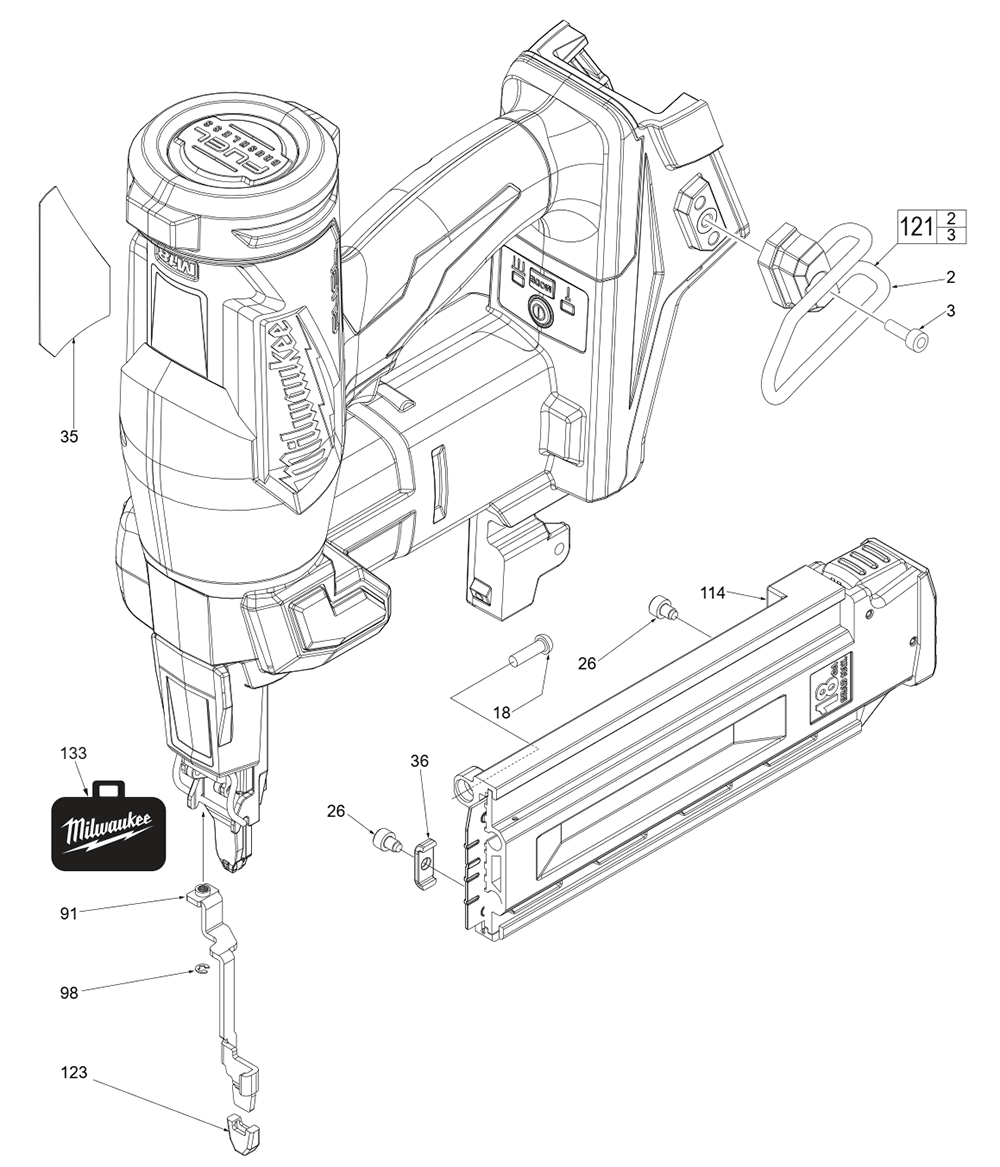
The 2746-20 has a documented failure mode where the nail carriage fails to seat fully, causing the driver blade to extend and lock in the down position. This usually results from forcing the magazine while unlatched.
Carriage Will Not Latch Fully
If the magazine stops halfway and the driver sticks down, stop immediately. Forcing the carriage forward causes the driver to actuate against resistance, which can seize the piston or misalign the return mechanism.
Inspect for these common culprits:
– Bent metal at the front track
– A bowed or twisted pusher spring rod
– Interference between the carriage plastic tab and the metal frame
Freeing the Stuck Driver Blade
With the battery removed, try these methods in order:
Direct Pressure Method:
1. Open the nose latch fully.
2. Use a flathead screwdriver to gently push the driver blade upward.
3. Apply steady pressure until you hear a click indicating re-engagement.
Inertia Method (if direct pressure fails):
1. Turn the tool upside down with the nose open.
2. Hold the rear handle and firmly tap it against a padded surface 2 to 3 times.
3. Immediately press straight up on the driver pin using a wooden dowel or rubber mallet.
If the driver still will not retract, the piston or return spring is likely seized. Continuing to force it risks permanent damage.
Clear Physical Nail Jams Before Anything Else

A stuck striker is sometimes just a symptom of a nail jam. Always rule out physical obstructions first.
Locate and Remove the Jam
Open the jam clearing latch and inspect the nose area:
– Is a nail fragment lodged in the channel?
– Are nails double-fed or bent?
– Is wood debris blocking the track?
Use a small flathead screwdriver to extract stuck nails. Milwaukee does not include a dedicated clearing tool, so work carefully to avoid scratching internal components.
Clean the Nail Track Thoroughly
After clearing the jam, blow out the magazine and nose with compressed air. Wood dust and fragments are leading causes of binding. Wipe the rails with a dry cloth and avoid lubrication unless specified in your manual.
Incompatible Nails Cause Hidden Striker Problems
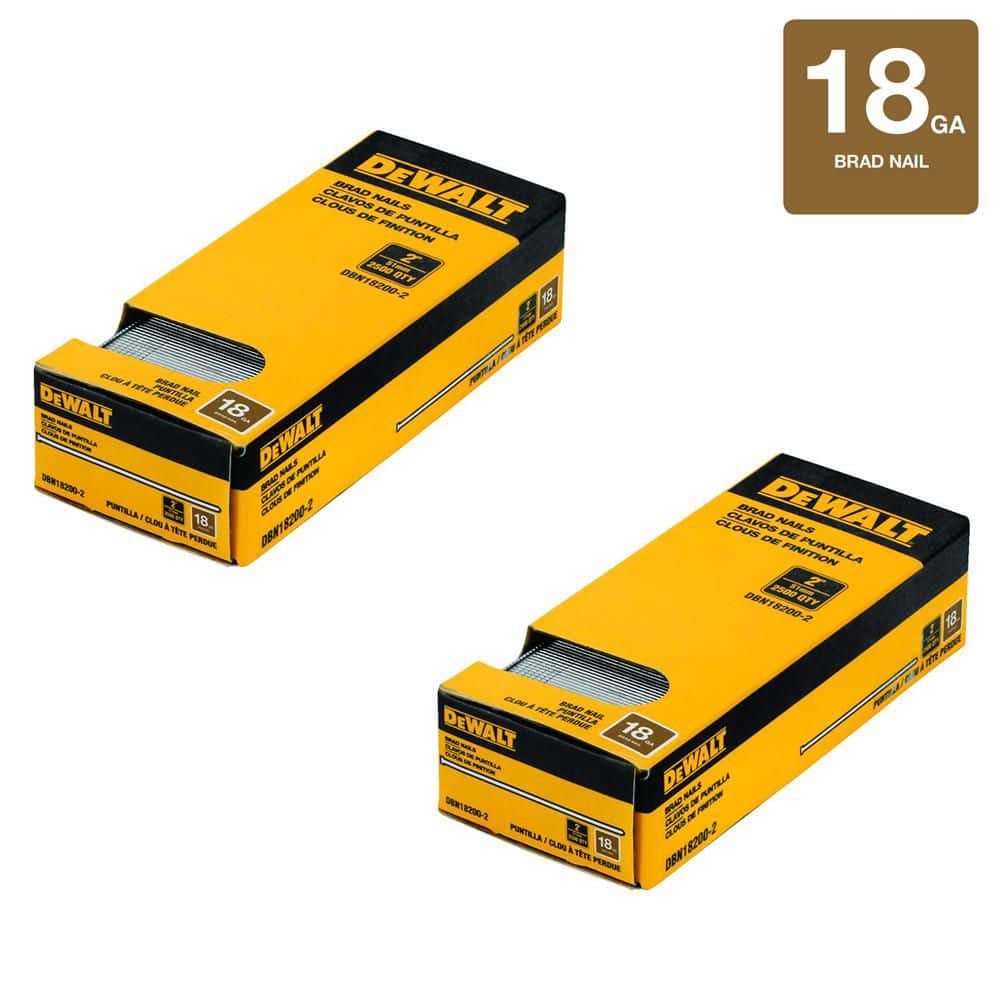
One of the most overlooked causes of striker lockup is nail incompatibility. Certain brad brands do not align with Milwaukee’s tighter tolerances.
DeWalt Yellow Box Nails Trigger Jams
Multiple user reports confirm that DeWalt 18-gauge brads in yellow packaging consistently jam Milwaukee nailers after about half a box. The nails become lodged in the nose cap, causing misfires and striker lockup. This is a compatibility mismatch, not a tool defect.
Switch to Verified Compatible Brands
Replace problematic nails with these tested options:
– Hitachi 18-gauge brads: Zero jams reported across full boxes
– Porter-Cable 18-gauge nails: Widely reported as reliable
Sticking with these brands prevents recurring jams and protects your tool from unnecessary stress.
Prevent User-Induced Binding
Many striker issues stem from technique errors rather than mechanical failure.
Never Force the Magazine
On the 2746-20, if the carriage does not slide in smoothly:
– Stop and do not force it
– Open the latch, realign the magazine, and try again
– Forcing triggers the driver under load and causes internal binding
Maintain Firm Contact During Firing
Inconsistent nail depth often mimics striker problems. Your grip is usually the cause:
– Keep the nose flat against the workpiece
– Apply steady pressure before and during the trigger pull
– Use a two-handed grip when possible to control kickback
Loose contact reduces driving force and creates partial cycles that confuse the reset logic.
Lubrication and Maintenance Best Practices
Improper maintenance makes striker issues worse over time.
Use Only Silicone-Based Lubricant
Apply a tiny amount of silicone lubricant to internal rails during cleaning. Never use:
– WD-40
– Oil-based lubricants
– Excessive amounts of any product
Petroleum-based products attract sawdust and form a gummy paste that slows the striker and causes jams.
Clean After Every Project
Blow out the track with compressed air after each use. Debris buildup in the nose or piston chamber leads to sluggish operation and eventual sticking.
When Professional Service Is the Only Option
Not every striker issue can be resolved at home. Know the signs that indicate internal seizure.
Recognize Internal Seizure
Stop troubleshooting and contact support if:
– The driver will not budge after reset attempts
– No click is heard during manual pressure
– The piston feels frozen or locked
The internal mechanism including the piston, flywheel, or return spring may be damaged. Forcing it further risks permanent harm.
Contact Milwaukee Support
Reach Milwaukee Support at 1-800-SAWDUST if your tool is under warranty or if the 2746-20 driver remains stuck after reset attempts. Do not disassemble beyond what the manual permits, since misaligned reassembly creates new problems.
Quick Troubleshooting Decision Guide
| Symptom | Likely Cause | Recommended Action |
|---|---|---|
| Gen 2 striker stuck, no visible nail | Logic lock | Reset with empty magazine on scrap wood |
| Visible nail in nose | Physical jam | Clear jam, then perform reset |
| 2746-20 carriage half-seated, driver stuck | Forced loading | Inspect track, attempt manual reset |
| Frequent jams with DeWalt nails | Incompatibility | Switch to Hitachi or Porter-Cable |
| Driver will not move after reset | Internal seizure | Contact Milwaukee support |
| Inconsistent nail depth | Loose grip | Improve contact pressure and stability |
Frequently Asked Questions About Milwaukee Brad Nailer Striker Issues
Why is my Milwaukee M18 FUEL Gen 2 striker stuck down?
The Gen 2 uses automatic reset logic that requires a specific sequence to cycle the striker back. Remove the battery, empty the magazine, close the jam latch, reinstall the battery, and pull the trigger while pressing the nose against scrap softwood. This forces the internal computer to retract the striker.
Can I manually push the striker back in on the Gen 2?
No. Milwaukee explicitly warns against manually forcing the striker on Gen 2 models. The system detects position electronically and must reset through trigger command. Forcing it disrupts alignment and can damage internal sensors.
What causes the 2746-20 driver blade to get stuck?
The most common cause is forcing the nail carriage while it is unlatched. This triggers the driver to actuate against resistance, which can seize the piston or misalign the return mechanism. Always allow the carriage to seat smoothly without pressure.
Are DeWalt 18-gauge nails compatible with Milwaukee nailers?
DeWalt 18-gauge brads in yellow packaging are known to cause jams in Milwaukee nailers after about half a box. Switch to Hitachi or Porter-Cable 18-gauge nails for reliable performance.
How do I free a stuck driver on the 2746-20?
With the battery removed, open the nose latch and use a flathead screwdriver to gently push the driver upward until you hear a click. If that fails, turn the tool upside down and tap the rear handle against a padded surface 2 to 3 times, then press up on the driver pin with a wooden dowel.
When should I contact Milwaukee support for striker issues?
Contact support at 1-800-SAWDUST if the driver will not move after reset attempts, if no click is heard during manual pressure, or if you suspect a broken internal spring or seized piston. Continued forcing risks permanent damage.
Key Takeaways for Resolving Milwaukee Brad Nailer Striker Problems
A Milwaukee brad nailer striker stuck issue is almost always fixable with the right approach. For Gen 2 owners, trust the auto-reset process and never force the striker manually. For 2746-20 users, handle the carriage with care and avoid forcing it into place. Nail compatibility plays a larger role than most users realize, so switching to Hitachi or Porter-Cable brads eliminates a common source of jams. Finally, regular cleaning with compressed air and minimal silicone lubrication keeps the internal mechanism running smoothly. If reset attempts fail and the driver remains frozen, contact Milwaukee support rather than risking further damage.