How to Open a Stapler Flat: Quick Steps
You’re in the middle of a project, and your stapler jams. Or it’s empty again. The fix is to open the stapler flat to reload or clear a blockage, but not all staplers open the same way. Some flip open at the top, others slide from the back, and heavy-duty models need a latch release. This guide breaks down the exact steps for every major stapler type, from top-loading office staples to industrial all-metal units and electric models. You’ll learn how to access the staple tray safely, avoid common mistakes, and keep your stapler running smoothly for years.
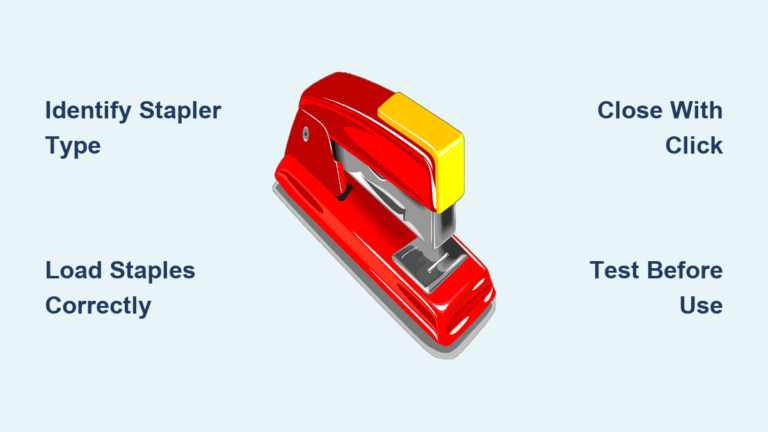
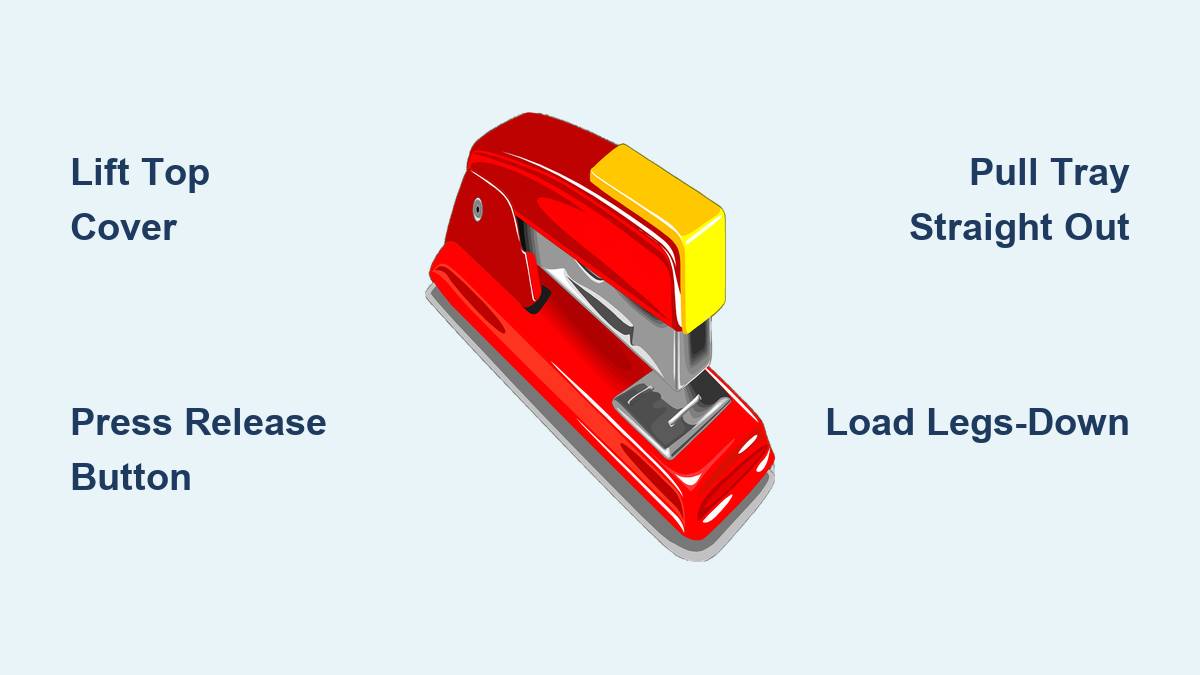
Top-Load Staplers: Lift the Cover
Most office staplers open from the top. These are simple to use and reload, but knowing the right technique prevents damage and ensures smooth operation.
Find the Hinge Point
Look at the back of the stapler. If the top piece swings upward like a book, it’s a top-loader. Common models include the Swingline 747 and Optima series. The hinge is usually metal and located at the rear.
Open With One Hand
Hold the base firmly on a desk. Use your other hand to grip the top near the front and lift straight up. Do not force it. If it resists, check for a latch. Some models have a small plastic tab that needs pressing before lifting.
Reload Staples Legs-Down
Once open, you’ll see the staple tray. Empty any jammed staples. Insert new ones legs-down, pushing them all the way forward. Do not overfill. Crowding causes jams.
Close Until It Clicks
Align the top cover and press down until it clicks. If it does not seat fully, open and realign. Test by stapling a few sheets without paper to ensure smooth feeding.
Pro Tip: After reloading, work the stapler up and down five times with no paper. This resets the pusher and clears minor misfeeds.
Back-Loading Staplers: Slide the Tray Out
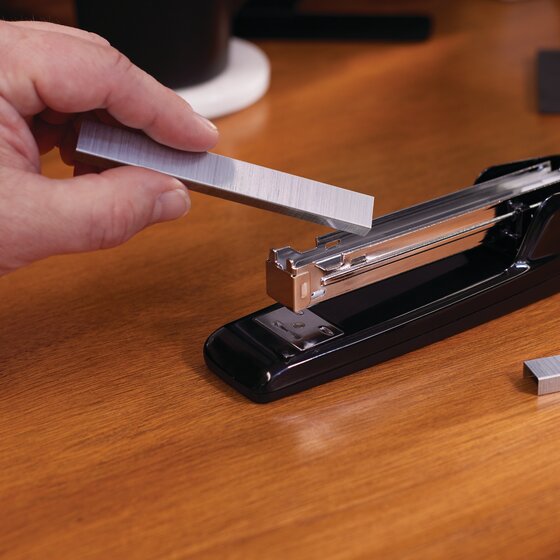
Heavy-duty staplers often load from the back. These hold more staples but require a different opening method.
Locate the Release Button
Turn the stapler around. On the back end, look for a small plastic button on the top or bottom. Some models hide it under a removable cap. Examples include the Swingline 646 and Heavy-Duty 23/10.
Press and Pull the Tray
Press the button firmly with your thumb. You should feel the tray pop out slightly. Hold the base steady and pull the tray straight back. Do not wiggle. This can bend the rails.
Clear Jams Before Refilling
Dump out old staples. Use needle-nose pliers to grab any stuck pieces deep inside. Check the feed path for debris or bent metal.
Insert Staples Toward the Front
Put new staples in legs-down, aligned toward the front of the tray. Slide the tray back in straight, no angle. Push until it clicks. If it does not lock, clean the rails and retry.
Warning: Never force the tray. Misalignment damages internal guides.
All-Metal Staplers: Release the Follow Block
Built for industrial use, these staplers use a metal latch called a follow block instead of plastic parts.
Open the Jaws First
Lift the stapling head fully. This gives access to the rear mechanism where the follow block sits.
Find the Follow Block
Look at the back bottom edge. It’s a small metal piece, sometimes black, sometimes silver. On some models, it’s a triangular tab on the front base.
Pull Up, Then Out
Grip the follow block and pull it straight up to disengage the hooks. Then slide it toward you to release the staple tray. The tray should now slide out easily.
Load and Reassemble Correctly
Insert staples legs-down, front-loaded. Slide the tray back in. Push the follow block down until it locks. Test by pulling gently on the tray. It should not come out.
Lubricate for Smooth Operation
If the block sticks, apply a drop of light machine oil to the rails and latch. Work the mechanism several times to spread the oil.
Expert Note: A stiff follow block often means dried grease or debris. Clean with a dry cloth first, then oil lightly.
Electric Staplers: Turn the Knob Left

Motorized staplers automate stapling but need careful handling when opening.
Power Off First
Always unplug or remove batteries before servicing. Never work on a powered electric stapler.
Unlock With the Side Knob
Find the knob on the bottom right side. Turn it counterclockwise, which means left. This releases the front magazine. Some models click audibly.
Pull the Tray Straight Back
Gently slide the tray out. It should move smoothly. If stuck, do not force it. Check for jams before pulling harder.
Reload With Precision
Insert staples legs-down, filling toward the front. Do not overpack. Use only manufacturer-recommended staples. Off-brand types jam more often.
Reinsert Until Auto-Lock
Slide the tray back in until it stops. The locking mechanism engages automatically. The knob should return to its original position.
Clear Deep Jams With Force
If the stapler will not fire, the jam may be internal. Use a flathead screwdriver. Insert it under the metal striker plate, push up while pressing the rear release, and apply strong, steady force. The whole magazine may pop out.
Caution: This takes effort. Wear gloves to protect your hands from sharp edges.
Acco 30 Stapler: Back or Follow Block
The Acco 30 is a heavy-duty unit with limited public documentation. User reports reveal two likely methods.
Try the Rear Release First
Check the back end for a button or sliding latch. Press and pull. If the tray extends, it’s a back-loader. Follow standard back-loading steps.
If No Button, Use the Follow Block
If nothing releases, inspect for a metal follow block on the base. Pull it up and out like an all-metal Swingline. This design is common in vintage commercial staplers.
Handle Jams Carefully
Remove visible staples. Use pliers to extract stuck pieces. If the pusher will not move, apply light oil to the rail and test movement.
Contact Support If Stuck
No manual diagrams exist online, but help is available. Call 1-805-465-7510 for customer service or 1-800-343-9329 for parts support.
User Tip: Overfilling causes jams. Remove half the staples and test. If it works, the issue was crowding.
Universal Loading Rules
No matter the model, these rules apply to all staplers.
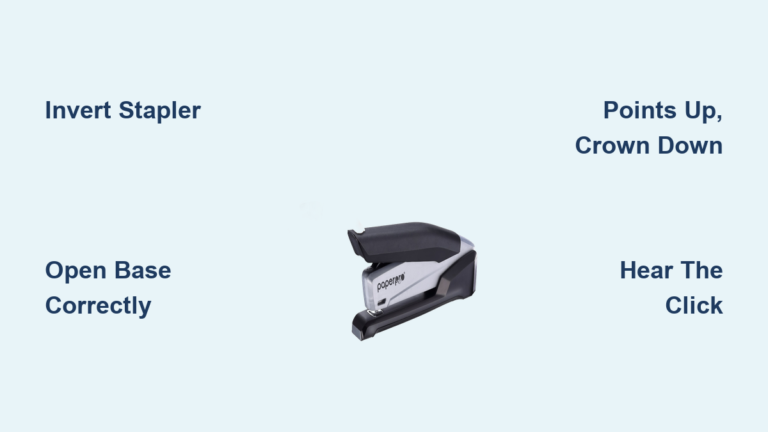
Always Insert Staples Legs-Down
Staples must go in legs-down, crown up. Reversing them causes immediate jams. Double-check before closing.
Push Staples Forward
After loading, press existing staples toward the front. This maintains feeding pressure from the spring-loaded pusher.
Do Not Overfill the Magazine
Too many staples increase pressure and misfeed risk. If your stapler jams after reloading, try removing 20 to 30 staples.
Use the Right Staple Size
Check the label on your stapler. Common sizes include 26/6 for standard, 24/6 for heavy-duty, and 23/10 for longer legs. Using the wrong size leads to jams or failed staples.
Clearing Stubborn Jams
Jams happen. Here is how to fix them fast.
Open the Stapler Fully
Use the correct method for your model. If it will not open, proceed to forced release.
Remove All Visible Staples
Empty the tray. This gives you a clean workspace.
Use Needle-Nose Pliers
Grab bent or stuck staples inside the feed path. Pull straight out. Do not twist.
Inspect Key Components
Look at the striker. It should move freely up and down. Check the pusher. It must slide forward under spring tension. Examine the feed rails. Clear them of paper dust or metal fragments.
Force Release if Needed
For electric or jammed all-metal models, use a flathead screwdriver. Lever under the striker while pressing the release. Apply firm, steady pressure.
Warning: This can be dangerous. Wear gloves and keep fingers clear.
Maintenance That Extends Life
A well-maintained stapler lasts years. Do this every three to six months.
Lubricate Moving Parts
Apply one drop of light machine oil to the pusher rail, the follow block if present, and hinge points. Work the stapler up and down to spread the oil.
Check Spring Tension
Pull the pusher back manually. It should return quickly. If slow or stuck, the spring may be worn and need replacement.
Clean the Interior
Wipe rails with a dry cloth. Remove paper fibers and dust. For deep cleaning, use compressed air.
Replace Worn Components
If the pusher will not move or the latch breaks, contact the manufacturer. Some parts are replaceable.
Troubleshoot Common Failures
Fix issues before they become breakdowns.
Stapler Will Not Open
The cause is latch blocked by debris or jam. Spray lubricant into the release area, wait five minutes, tap lightly with a rubber mallet, and use a screwdriver to gently pry if necessary.
Staples Not Feeding
The cause is pusher stuck or weak spring. Clean the rail, oil it, and test movement. If the pusher drags, replace the spring.
Tray Will Not Lock
The cause is misaligned or dirty rails. Wipe both sides of the tray and rail. Reinsert straight, no angle. Push firmly.
Overfilled Magazine
The cause is too many staples causing pressure lock. Remove half the staples and retest. If it works, reload in smaller batches.
Key Takeaways for Opening Your Stapler Flat
Opening a stapler flat is not one-size-fits-all. Match the method to your model, whether it is top-load, back-load, all-metal, or electric. Always insert staples legs-down, avoid overfilling, and clean the mechanism regularly. For top-loaders, lift the cover at the hinge. For back-loaders, press the release button and pull the tray straight out. For all-metal units, disengage the follow block before sliding the tray. For electric models, turn the knob left and use caution with internal jams. When in doubt, contact the manufacturer for support. With the right technique, you will fix jams fast and keep your stapler reliable for years.
Frequently Asked Questions About Opening a Stapler Flat
How do I open a standard top-loading stapler?
Hold the base firmly and lift the top cover straight up at the hinge. If it resists, check for a latch tab that needs pressing first.
Why will my back-loading stapler not open?
The release button may be blocked by debris. Spray lubricant around the button, wait a few minutes, and try again. Do not force the tray.
What is a follow block on an all-metal stapler?
The follow block is a small metal latch that secures the staple tray. Pull it straight up to disengage the hooks, then slide it toward you to release the tray.
Can I force open a jammed electric stapler?
Yes. Unplug the stapler first. Insert a flathead screwdriver under the striker plate, push up while pressing the rear release, and apply firm force. Wear gloves for protection.
How often should I lubricate my stapler?
Lubricate every three to six months with light machine oil. Apply one drop to the pusher rail, follow block, and hinge points. Work the mechanism several times to distribute the oil.
What causes staples to jam after reloading?
The most common causes are inserting staples legs-up, overfilling the magazine, or using the wrong staple size. Always load legs-down, keep the magazine half-full, and match the staple size to your model.