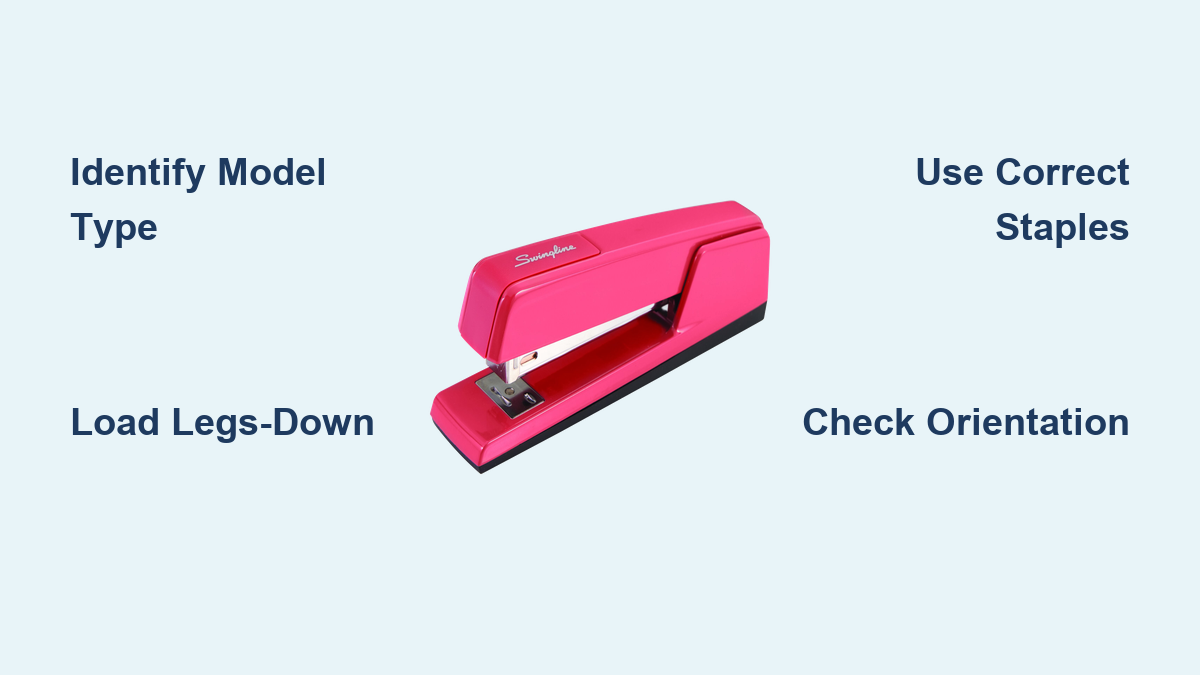
How to Refill a Swingline Stapler
You’re in the middle of a busy workday, racing to finish a report, when the stapler jams again. You open it to refill, only to find the staples loaded wrong, or worse, you cannot even get the tray open. If this sounds familiar, you are not alone. Millions of office workers struggle with one simple question: how to refill a Swingline stapler correctly and quickly.
The good news is that refilling your Swingline stapler does not have to be confusing. While Swingline makes several models, each with unique loading mechanisms, the process is always simple once you know your model type and the correct staple orientation. This guide walks you through every step, mistake to avoid, and pro tip to keep your stapler jam-free.
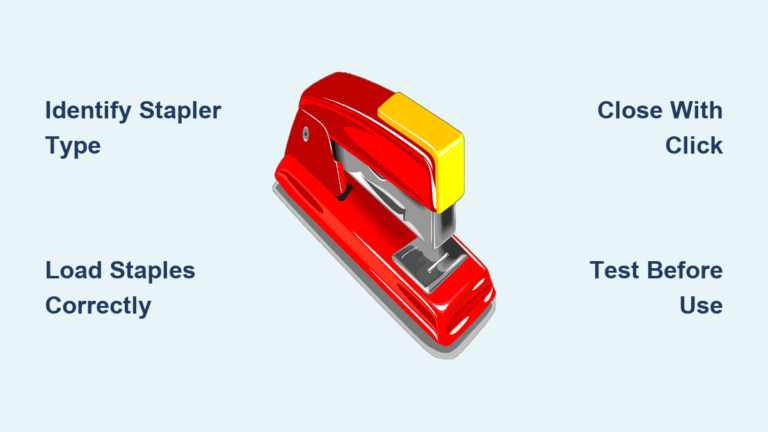
Identify Your Swingline Stapler Model First
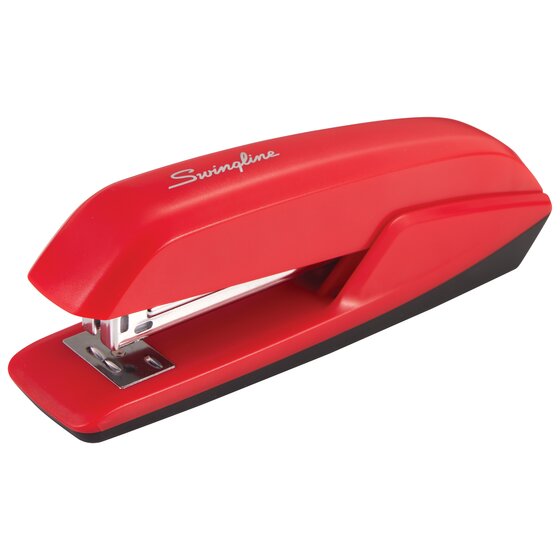
Before opening your stapler, you need to identify the model. Loading the wrong way or using incorrect staples causes jams, misfeeds, and potential damage. Swingline uses five main loading types, and knowing which one you have makes all the difference.
Flip your stapler over and check for these visual cues:
| Feature | Model Type |
|---|---|
| Lift-up plastic top | Top-loading (SmartTouch Grip, Mini) |
| Rear tray with release button | Back-loading (Model 747, 646) |
| All-metal body with follow block | All-metal (S.F.4, 67150) |
| Side knob releasing front tray | Electric stapler |
| Button-activated sliding carriage | SmartTouch Full or Compact |
| Base swings open on hinge | Hinged-base (Optima, Heavy Duty) |
Check the bottom label for a model number if you are unsure. You can also visit Swingline.com and enter your model for official instructions.
Refill Top-Loading Swingline Staplers
Top-loading staplers are common in home offices and schools. These include the Swingline Mini, Compact, and SmartTouch Grip models. The top lifts vertically with no buttons or knobs required.
Follow these steps to refill:
- Place the stapler on a flat surface with the head facing forward.
- Hold the base firmly with one hand to prevent tipping.
- Lift the plastic top straight up until fully open.
- Remove any leftover or jammed staples from the chamber.
- Insert new staples legs-down, crown-up. Align with the guide rails inside the tray. Feed from the front, closest to the stapling head.
- Do not exceed the fill line, which is usually around 210 staples.
- Close the top until it clicks or sits flush with the body.
The most common mistake here is forcing the top closed when staples are misaligned. Always ensure the strip lies flat before closing the top.
Refill Back-Loading Swingline Staplers
Back-loading models like the Swingline 747 and 646 have a staple tray that slides out from between the handles. A small release button on the top or bottom rear unlocks the tray.
Steps to refill:
- Set the stapler flat on a table.
- Press and hold the release button at the back firmly.
- If present, slide off the plastic cover shielding the tray.
- Pull the tray straight out from the rear.
- Load staples legs-down, with legs pointing toward the head. Align with the guide rails inside the tray.
- Slide the tray back in smoothly until it locks into place.
- Test by gently tilting forward. The tray should stay securely closed.
If the tray resists closing, check for bent staples or debris in the mechanism. Never force it, as this can damage the internal rails.
Load All-Metal Swingline Staplers Correctly
All-metal models like the 67150 and S.F.4 are built for heavy use. They use a follow block, which is a small metal latch near the base, to release the staple tray.
Refilling steps:
- Open the jaws and place the stapler on a flat surface.
- Locate the follow block. It is found either near the bottom edge at the back or between the front jaws as a black triangular piece.
- Pull the follow block up, then toward you, to release the tray.
- Extract the tray fully if cleaning is needed.
- Insert heavy-duty staples like S.F.4, 23/8, or 23/10. Load legs-down into the front of the tray.
- Slide the tray back in straight.
- Push the follow block down to re-engage the hooks and lock the tray.
Using standard staples in an all-metal model causes jams. Only use the specified heavy-duty staples for these models.
Refill Electric Swingline Staplers

Electric models handle high-volume tasks and feature a knob on the lower right side that unlocks the front tray. These staplers are ideal for environments requiring 500 or more staples per day.
Steps to refill:
- Locate the release knob near the back right side.
- Turn it counterclockwise, to the left.
- The front of the tray will pop out slightly.
- Pull it backward gently.
- Load S.F.4 or S.F.10 staples, legs-down.
- Push the tray straight back in until fully seated.
- The knob resets automatically when the tray is properly inserted.
Use only Swingline-branded cartridges or staples. Off-brand strips often jam due to inconsistent wire gauge or glue quality.
Refill SmartTouch Carriage Staplers
SmartTouch staplers come in two main types: carriage (front-loading) and Grip (top-loading). The carriage models feature a button-activated sliding carriage and a sleek, modern design.
Refilling steps:
- Press the carriage release button on the side or base.
- Pull the carriage outward completely.
- Insert staples legs-down, crown-up. Align with internal guides.
- Slide back in until you hear an audible click.
- Ensure it is flush before use.
These models use B or D-series staples. Check the packaging to confirm compatibility before purchasing.
Refill SmartTouch Grip Staplers
SmartTouch Grip models feature an ergonomic soft-grip handle and a hinged top that opens vertically. This design is praised for ease of use, especially among people with arthritis or reduced hand strength.
Refilling steps:
- Pull the top of the stapler upward to open the loading chamber.
- Insert staples legs-down, aligned with the rails inside.
- Close the top until it snaps securely into place.
This is one of the easiest refill methods available. No force is needed to open or staple.
Refill Hinged-Base Swingline Staplers
This is the original Swingline design, where the base swings open on a hinge. Found in Heavy Duty 67150, Optima 30/40, and classic 747 models, these are the only models requiring crown-down loading.
Steps to refill:
- Flip the stapler so the base faces upward.
- Press the release button or slide the latch on the bottom.
- Swing the base downward to expose the magazine.
- Remove old staples or debris.
- Insert new staples crown-down. The flat crown side faces the base plate, with legs pointing up.
- Swing the base back up until it locks flush.
- Slide the latch forward to secure.
The most common error is loading legs-down in a hinged-base model. This causes immediate jams. Remember: swing open, crown down.
Choose the Right Staples for Your Model
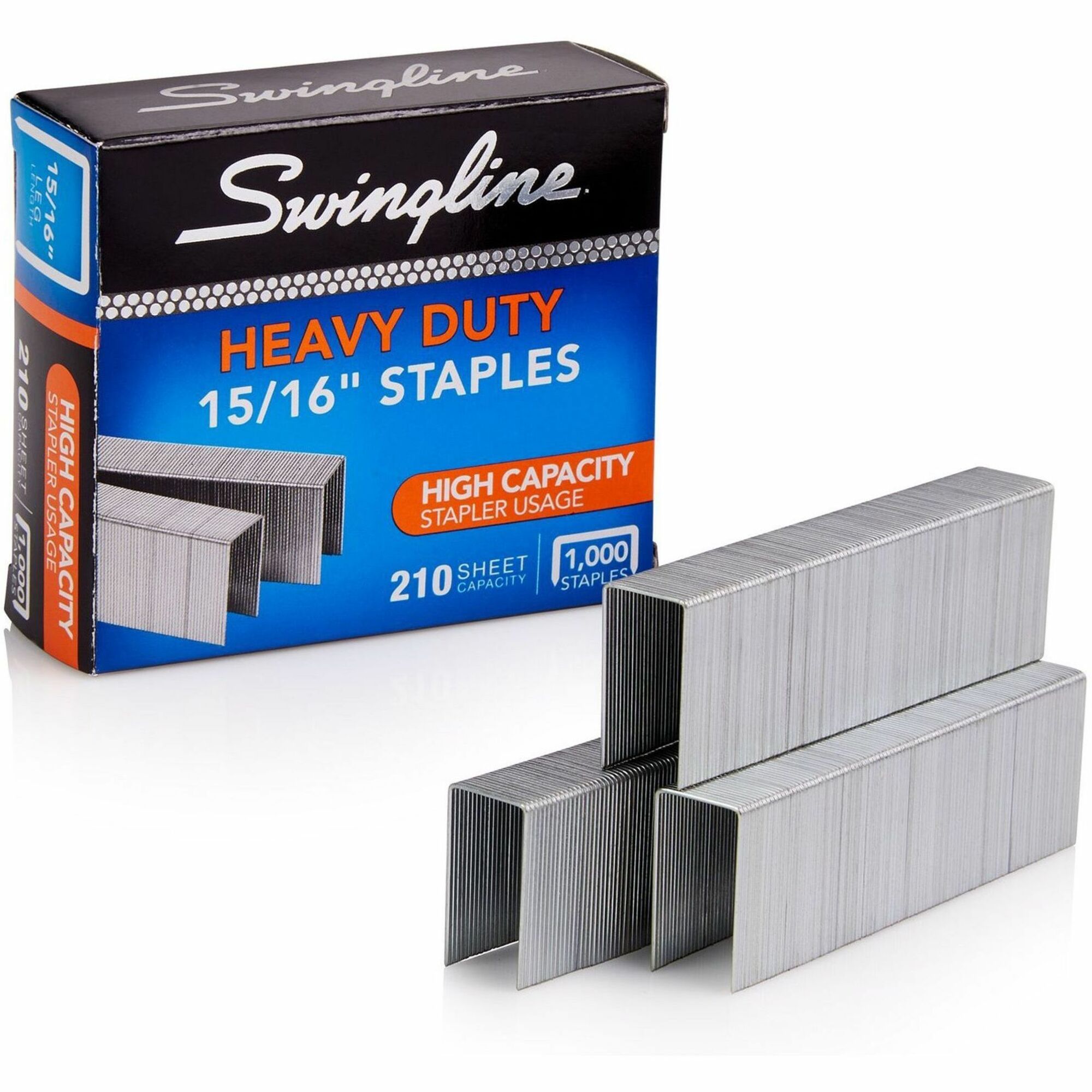
Using wrong-sized or off-brand staples voids warranties and increases jams. Here is a quick reference guide:
| Model Type | Compatible Staples | Orientation | Max Capacity |
|---|---|---|---|
| Standard Desktop (747, 646) | 26/6, 24/6 | Crown-down | 210 |
| Heavy Duty (67150, S.F.4) | S.F.4 | Crown-down | 210 to 250 |
| All-Metal | 23/8, 23/10 | Legs-down | About 200 |
| Electric | S.F.4, S.F.10 | Legs-down | 500 |
| SmartTouch Carriage | B or D-series | Legs-down | 150 to 180 |
| SmartTouch Grip | 26/6, 24/6 | Legs-down | About 210 |
| Optima Series | 26/6, 24/6 | Crown-down | 210 |
When in doubt, use genuine Swingline staples. They are engineered to match the wire gauge, leg length, and glue strip adhesion your stapler expects. Avoid dollar-store staples, as even those labeled 26/6 often have inconsistent dimensions that jam mechanisms.
Fix Common Refilling Problems
Even with correct loading, problems can occur. Here is how to fix them fast.
Tray Won’t Open
The cause is usually the button not being pressed fully or debris blocking the mechanism. Press firmly and clean around the button with a dry cloth.
Staples Won’t Feed
The cause is wrong size, bent legs, or incorrect orientation. Remove staples, inspect for damage, and reload with the correct type and direction.
Tray Won’t Stay Closed
The cause is incomplete insertion or a damaged latch. Pull out and reinsert fully. If broken, order a replacement tray from Swingline.
Jam After Refill
The cause is misaligned staples or debris in the track. Open the magazine, use tweezers to remove stuck staples, clean the channel with a dry brush or compressed air, then reload correctly.
Stapler Won’t Fire
The cause is an empty chamber, misfeed, or spring fatigue. Confirm staples are at the front. Cycle the stapler manually a few times. If still stuck, inspect the spring tension.
Maintain Your Stapler to Prevent Jams
A well-maintained stapler lasts decades. Follow these steps monthly:
Clean the staple channel with a dry cloth or soft brush.
Remove paper dust with compressed air.
Inspect the follow block, latch, or knob for wear.
Store staples in a dry place to prevent rust.
Never drop the stapler, as this can misalign the tray or damage the hinge.
Replace worn parts via Swingline support site.
Most Swingline staplers have a limited lifetime warranty, but it is voided by using incompatible staples, overfilling, or physical damage from drops.
Key Takeaways for Refilling Any Swingline Stapler
Refilling a Swingline stapler is fast and easy when you follow three simple rules. First, know your model type, whether top-loading, back-loading, front-loading, base, or electric. Second, load staples correctly: legs-down for most models and crown-down only for hinged-base models. Third, use compatible staples, preferably Swingline-branded.
Avoid off-brand strips, never overfill the chamber, and never force parts to close. Clean the track monthly and replace worn components early. With these steps, you will eliminate jams, extend your stapler is life, and keep your workflow smooth. Whether you are in a home office or a busy mailroom, a properly refilled Swingline is a reliable tool for thousands of staples to come.
Frequently Asked Questions About Refilling a Swingline Stapler
Can I use staples from other brands in my Swingline stapler?
Yes, if they are the correct size and type, such as 26/6, 24/6, or S.F.4. However, Swingline recommends their branded staples for optimal performance and to avoid voiding the warranty.
Why won’t my stapler accept the staples after refilling?
Check for correct orientation. Hinged-base models require crown-down loading, while all other models require legs-down. Also ensure the magazine is empty and verify staple size compatibility with your model.
How many staples fit in a Swingline stapler?
Most standard models hold one strip of 210 staples. Heavy-duty and electric models may hold more, with electric models accommodating up to 500 staples per cartridge.
Do all Swingline staplers load the same way?
No. Loading mechanisms vary significantly by model. Some load from the top, others from the back, front, or bottom. Always confirm your model type before refilling.
What causes frequent jams after refilling?
The most common causes are incorrect staple orientation, use of incompatible staples, or debris in the track. Always verify your model requirements before loading.
Where can I get replacement parts for my Swingline stapler?
Swingline offers replacement trays, knobs, follow blocks, and latches through their official website and customer service department.
Final Thoughts on Refilling Your Swingline Stapler
You now have everything you need to refill any Swingline stapler with confidence. The key is identifying your model type first, then applying the correct loading orientation. Hinged-base models are the only ones requiring crown-down loading; every other model uses legs-down. Using genuine Swingline staples and avoiding overfilling ensures reliable performance and maintains your warranty.
Regular maintenance, including monthly cleaning of the staple channel, extends your stapler is life significantly. Address jams promptly and replace worn components before they cause bigger problems. With this knowledge, you can eliminate frustration, reduce downtime, and keep your stapler running smoothly for years to come.